

UX Packages

Basic
2 weeks
Startups and Small Businesses
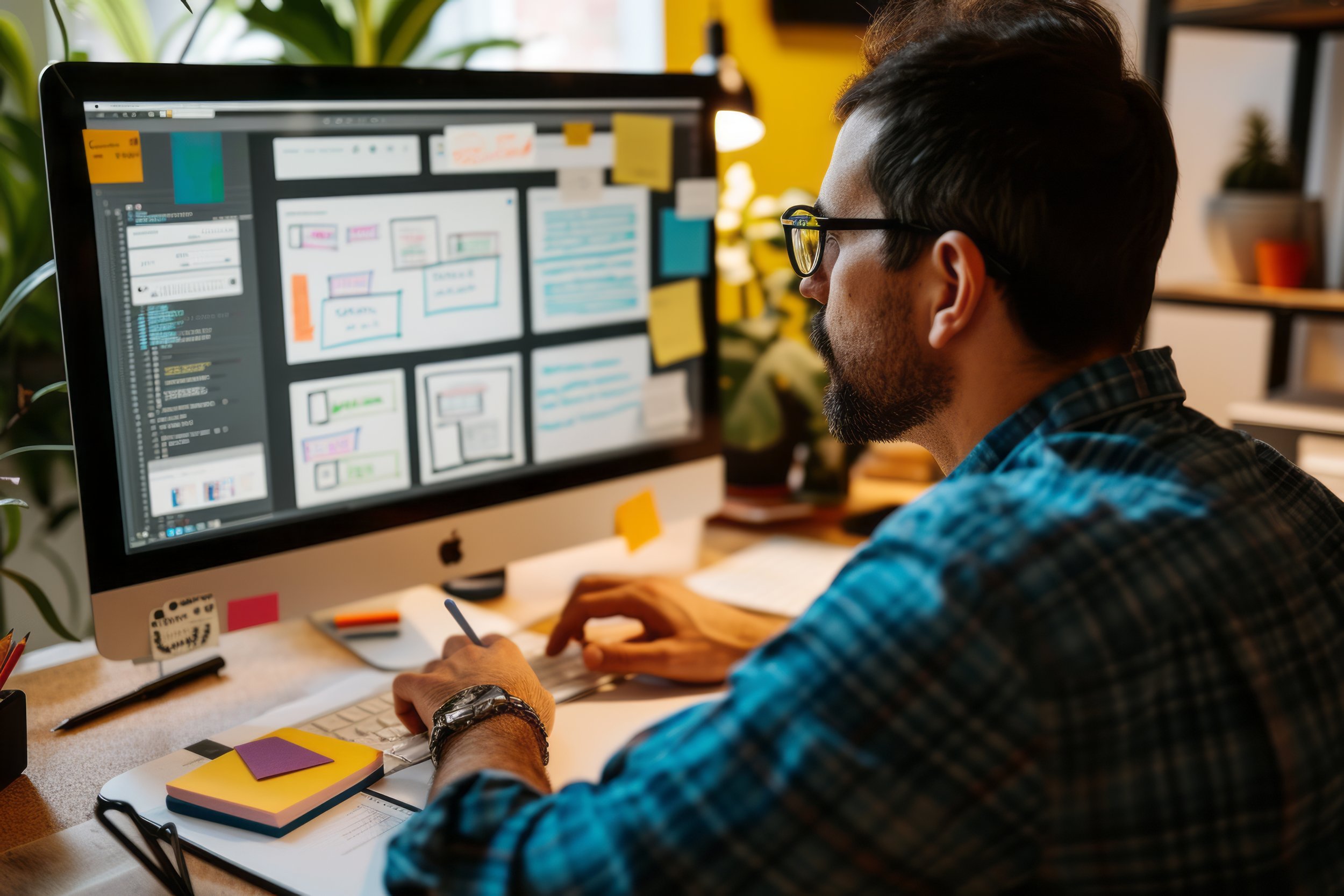
Embark on a seamless user experience (UX) journey with our curated packages designed to elevate your digital interfaces. Our UX packages cater to diverse needs, ensuring an optimal balance between functionality and aesthetics. From comprehensive usability assessments to targeted interface enhancements, we offer a range of solutions to refine and amplify your users' interactions. Discover the perfect UX package to align with your goals and elevate the overall satisfaction of your audience. Elevate your digital presence and engage users with a tailored UX package that suits your unique requirements.
FEATURES
Basic: 2 weeks
Quick Health Check
Heuristic Evaluation
Competitive UX Analysis
Wireframes

Moderate: 1 month
Thorough UX evaluation
Heuristic Evaluation
Competitive UX Analysis
Wireframes
User Flows
Accessibility Assessment*
Prototype
Moderate
1 month
Small Businesses and existing Saas Providers
Comprehensive
2+ months
Enterprise and Existing Saas Providers
Comprehensive: 2+ months
Complete redesign of UX concerns
Heuristic Evaluation
Competitive UX Analysis
Wireframes
User Flows
Accessibility Assessment*
Prototype
User Research
Personas
User Testing
Custom
Any
Enterprise and existing Saas Providers
Custom: Any time amount
All features desired + Scrum & Dev team
Definitions
Heuristic Evaluation: Heuristic evaluation is a usability assessment method in which experts or evaluators examine a user interface or product and identify potential usability issues based on a set of established heuristics or best practices. These heuristics are general principles that help assess the overall user experience and identify areas for improvement.
Competitive UX Analysis: Competitive UX analysis involves evaluating and comparing the user experience of a product or service with that of its competitors. This assessment helps identify strengths and weaknesses in terms of design, functionality, and overall user satisfaction, allowing businesses to gain a competitive advantage by improving their offering.
Wireframes: Wireframes are low-fidelity, visual representations of a user interface or web page. They are typically created as part of the design process to outline the basic layout, structure, and content placement without delving into detailed design elements. Wireframes serve as a blueprint for the final design and help stakeholders visualize the user interface's structure.
User Flows: User flows are diagrams or visual representations that illustrate the paths users take through a product or website to accomplish specific tasks or goals. They map out the sequence of steps and interactions a user goes through, providing insights into the user journey and highlighting potential pain points or areas for improvement.
Accessibility Assessment: An accessibility assessment is a systematic evaluation of a digital product or physical space to determine its level of accessibility for individuals with disabilities. This assessment aims to identify barriers to access and compliance with accessibility standards, ensuring that the product or environment is usable by a broad range of people, regardless of their abilities.
Prototype: A prototype is a preliminary version of a product, interface, or system that is developed to test and validate design concepts, interactions, and functionality. It can be a low-fidelity or high-fidelity representation, depending on the project's stage, and is used to gather user feedback and iterate on the design before creating the final product.
User Research: User research is a process of gathering insights and information about users, their behaviors, needs, and preferences to inform the design and development of products or services. It involves various research methods, such as interviews, surveys, observations, and usability testing, to gain a deep understanding of the target audience.
Personas: Personas are fictional representations of specific user segments or archetypes created based on user research data. They help design and development teams to better understand and empathize with their target users by providing a clear and relatable picture of who these users are, their goals, and pain points.
User Testing: User testing is a method of evaluating a product's usability by having real users interact with it while performing specific tasks or scenarios. The feedback and observations gathered during user testing help identify usability issues and validate design decisions, ultimately leading to improvements in the user experience.


Success Stories
It all begins with an idea. Maybe you want to launch a business. Maybe you want to turn a hobby into something more. Or maybe you have a creative project to share with the world. Whatever it is, the way you tell your story online can make all the difference.


Our UX packages cater to diverse needs, ensuring an optimal balance between functionality and aesthetics. From comprehensive usability assessments to targeted interface enhancements, we offer a range of solutions to refine and amplify your users' interactions.