
Redesigning a website is never just about a fresh coat of paint. It’s a complex UX process rooted in research, collaboration, and strategic design thinking. Website redesigns are often necessary to improve usability, reflect evolving brand goals, adapt to new technologies, or address shifting user needs. Whether you’re working in-house or on the agency side, here’s a practical step-by-step approach to handling a website redesign project as a UX designer.
Step 1: Kickoff — Understanding the Current Landscape
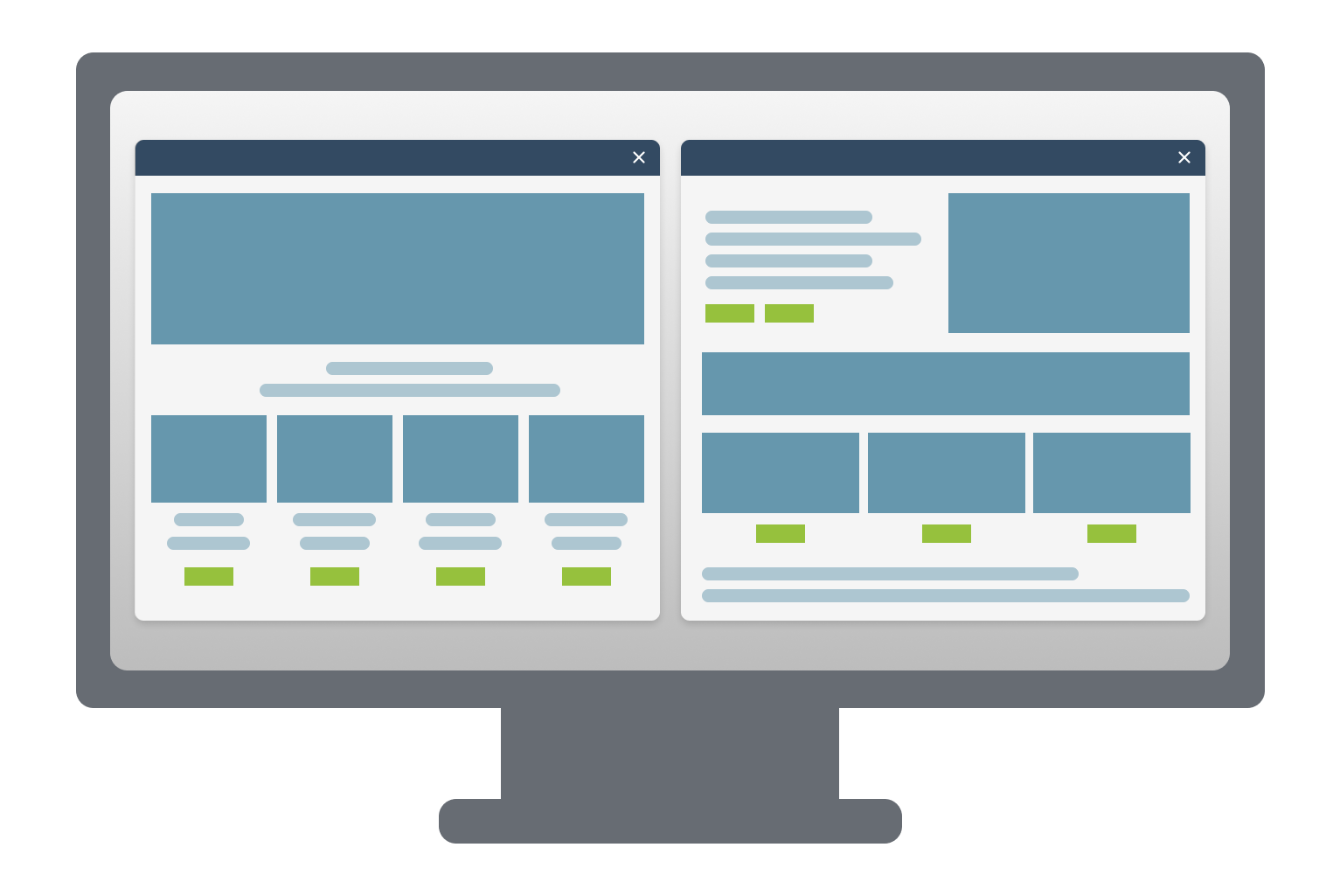
Once you hear about the project, the first thing you should do is familiarize yourself with the existing site. Explore the navigation, review the content structure, and take note of any usability issues. Try to view it from a user's perspective.
If applicable, look into competitor websites too. This gives you a sense of industry standards, features users may expect, and opportunities to differentiate.
Step 2: Review the SOW (Statement of Work)
Before diving deeper, read the SOW carefully. It outlines the scope, deliverables, deadlines, and project goals. Understanding this document is crucial for aligning your design process with what’s been promised — and helps avoid scope creep down the line.
Step 3: Stakeholder Interviews
You’ll need to speak with internal stakeholders to understand the bigger picture.
Start by asking your client who the most valuable people to interview are — especially at larger organizations where interviewing everyone isn’t feasible.
Prepare thoughtful questions, such as:
What is the primary goal of the website?
Who are your users, and what do they use the site for?
What do you like or dislike about the current site?
What would you add, change, or remove?
How would you describe your brand in 2–3 words?
These interviews should be conversational, not scripted. Be prepared to follow tangents if they’re insightful, skip questions already covered, and ask follow-ups where needed. Afterward, compile your notes and highlight key takeaways.
Step 4: Site Mapping
Before you create something new, map out what already exists. A site map is essentially a flow chart of how users navigate from page to page — a visual representation of the site’s structure.
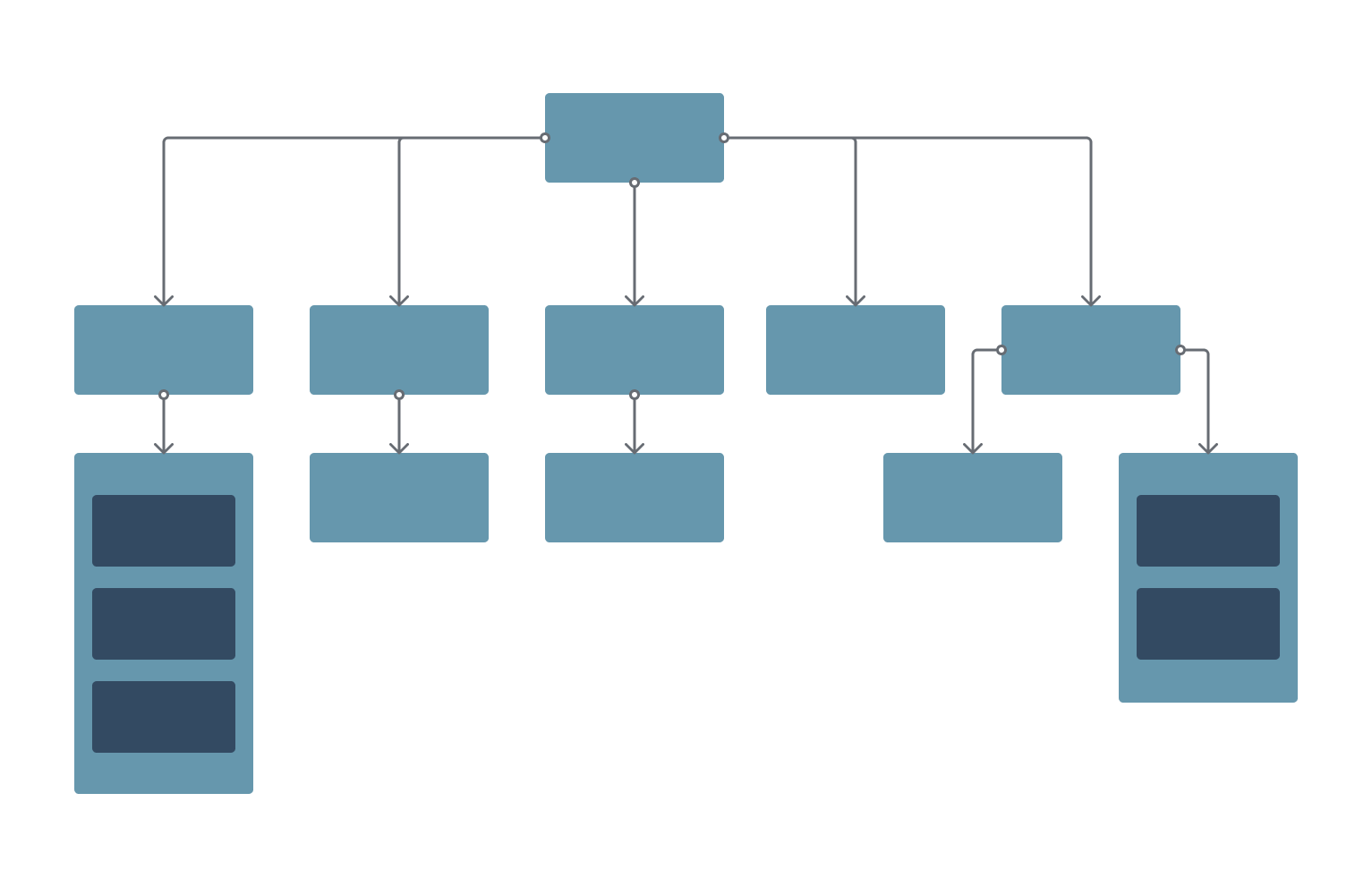
Next, create a new site map:
Add or remove pages based on your stakeholder insights.
Reorganize sections to reflect a clearer information hierarchy.
Use card sorting to help define your content structure. This method inv
olves creating a card for every page or content chunk and organizing them into logical groupings — for example, “Team,” “History,” and “Contact” might all live under an “About” section.
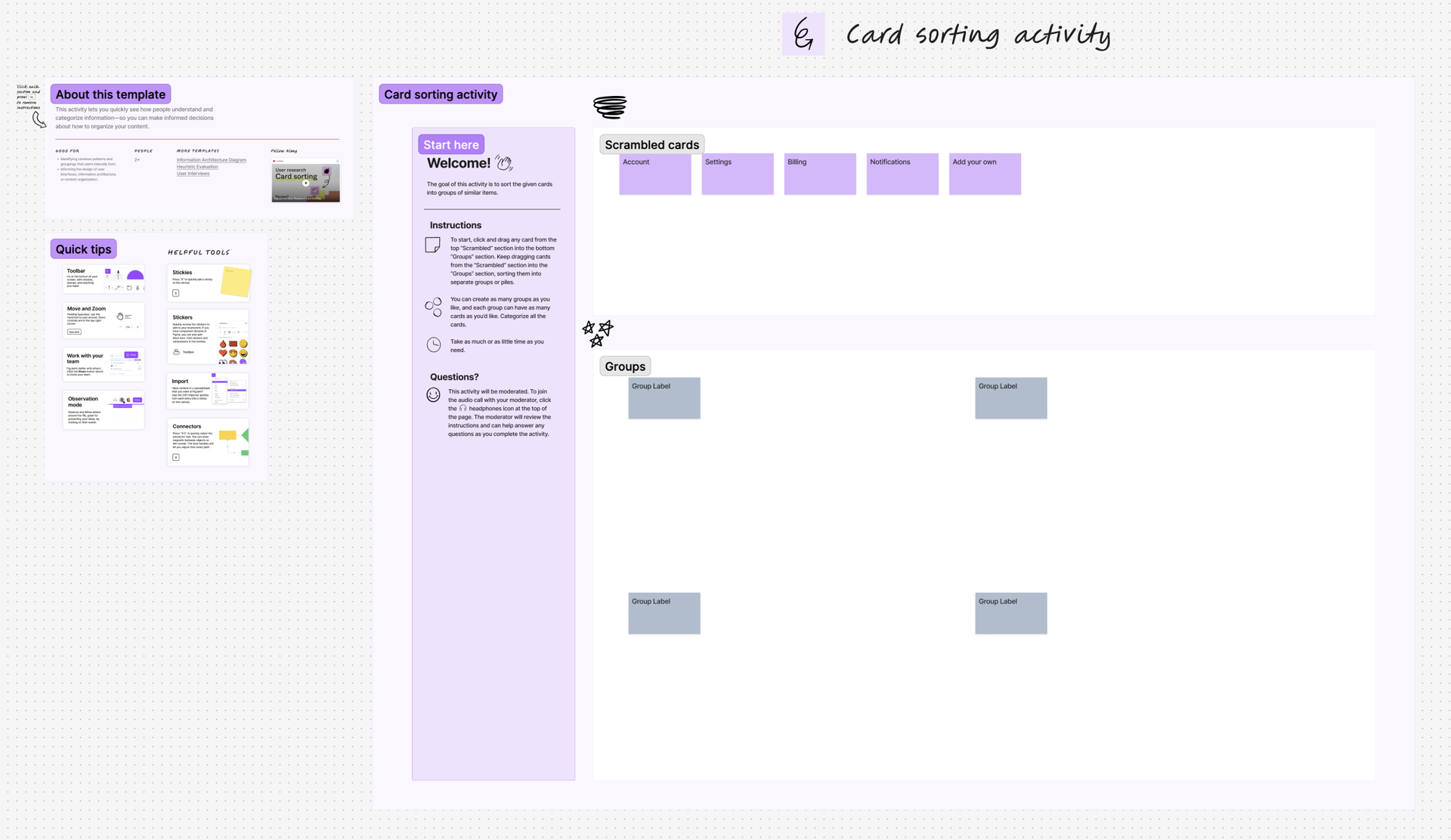
Template from Figjam - Other good tools are Miro and Optimal
Step 5: Begin Design Work
Decide whether you’re using an existing design system, a component library, or building a custom design.
Start by designing the homepage — it sets the tone for the visual language, layout, and navigation hierarchy. Use brand guidelines, client-provided content, and design inspiration from platforms like Dribbble, Behance, and Pinterest.
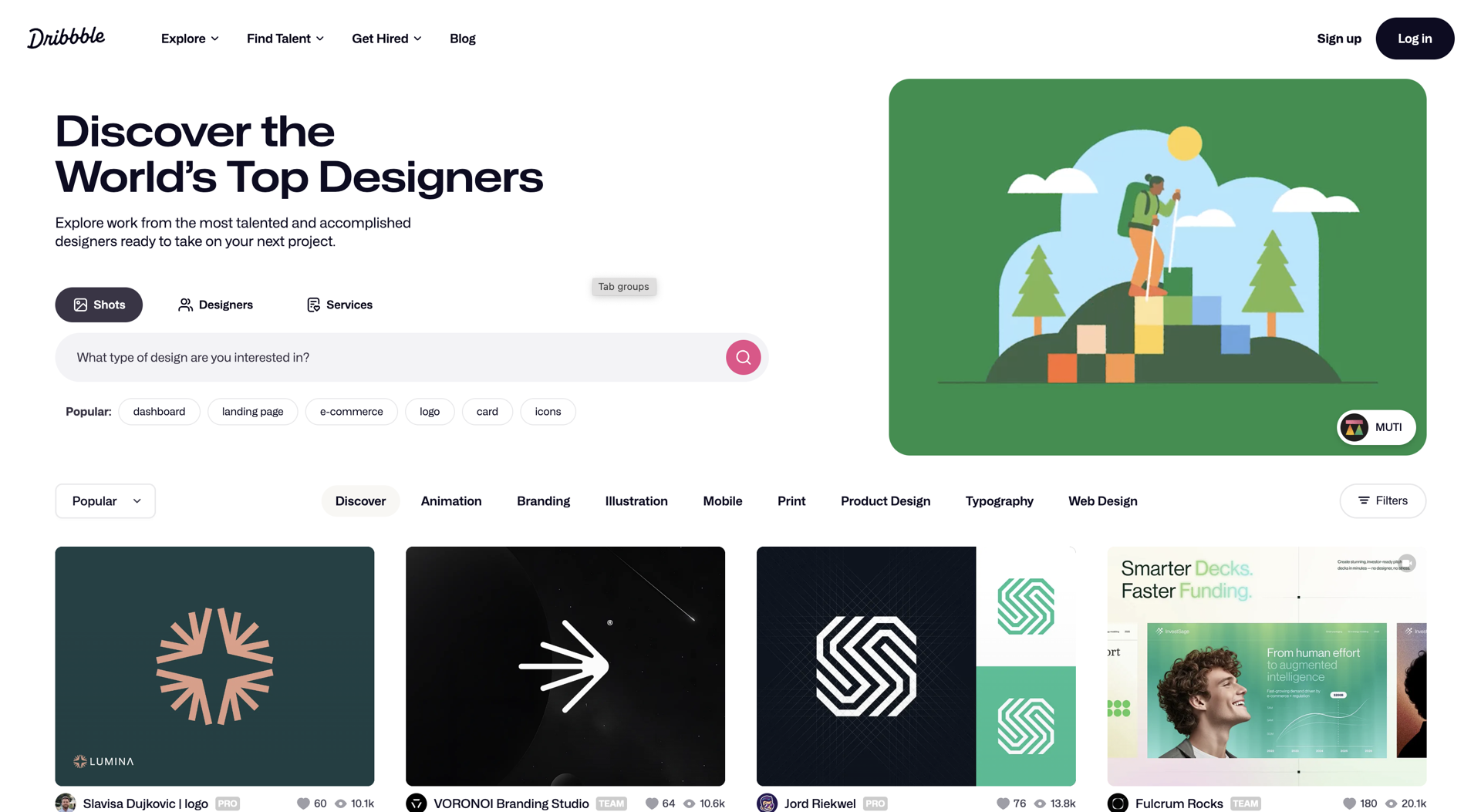
Share early drafts with the client. You don’t want to spend time designing 10 pages only to find out you're off the mark. Early and frequent feedback is your friend.
Step 6: Developer Collaboration & Early Handoff
As soon as your homepage design is solid, share it with the development team. It’s better to catch feasibility issues early rather than after you've designed the entire site.
If developers flag any technical constraints, you can adjust your approach before going too far down the wrong path.
Step 7: Internal Pages, Content, and Iteration
Once the homepage is approved, move on to internal pages.
These pages often involve a lot of content — but don’t worry if the client hasn’t provided everything yet. Use placeholder images and copy to visualize layout and structure.
Continue gathering feedback and iterating. You’ll likely go through several rounds of revisions before landing on the final designs.
Step 8: Final Handoff
After the full suite of designs is complete, pass everything to development. By this point, there shouldn’t be many surprises — you’ve been in communication all along.
Provide assets, specs, and any supporting documentation the developers need. Then, step back and support QA as needed.
In Summary
A website redesign can feel overwhelming — and for good reason. You're not just changing colors or rearranging pages. You're rebuilding the core digital experience of a brand, often with multiple stakeholders, legacy content, and high expectations.
But when done right, a redesign can be transformative.
It can lead to more engaged users, increased time spent on site, improved conversion rates, better SEO performance, and a stronger brand presence online. It’s an opportunity to align your digital presence with who you are today — and where you’re headed next.
At Moser Consulting, we follow a clear, collaborative process like this one to help you navigate the complexity and realize the full potential of your redesign. Whether your goal is more traffic, higher conversions, or a website that finally feels like your brand — we’re here to help you get there.
Discover YOUR perfect UX package today. Contact MoserUX for more information at marketing@moserit.com.